Help Center
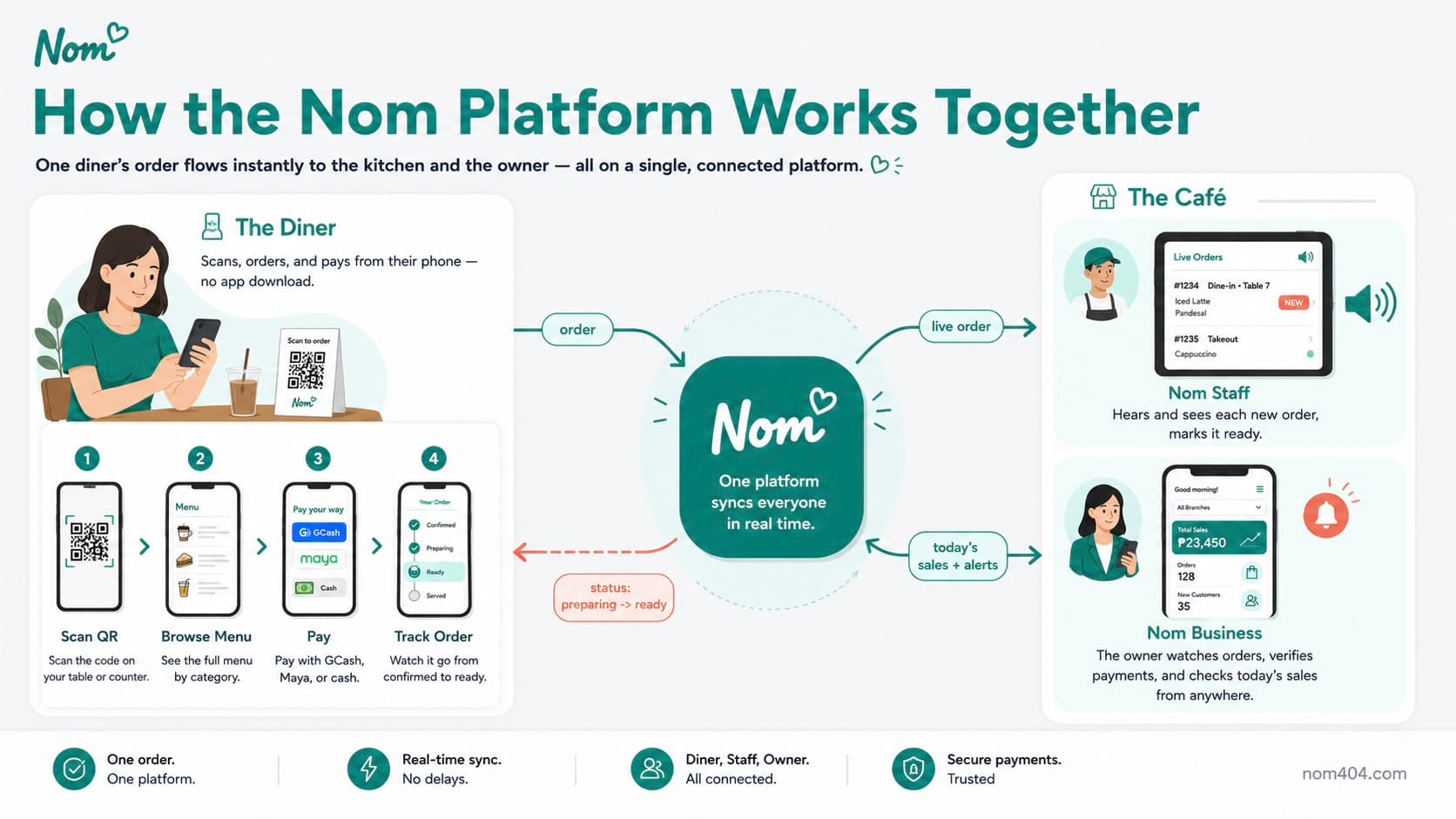
Everything you need to know about using Nom — whether you are ordering food or running a business. Browse by category.
Business Guides
Practical playbooks for running your business — setup, daily operations, BIR compliance, co-owners, void approval, loyalty, promos, and expenses.
Customer Guides
Help your customers order with confidence — scanning, tracking, customizing, allergen preferences, table numbers, and reviews.
Setup Guides
Get configured and taking orders the same day — build your menu, turn on QR ordering, and install the Staff app.
Payment Guides
How payments work — GCash, Maya, and cash, proof and reference-number verification, timing, and revenue tracking.
Staff & Operations
Train your team and run operations smoothly — staff roles, permissions and approval gates, and multi-branch management.
Help Center
Quick answers to common questions about ordering, payments, cancellations, allergens, setup, and managing your business.