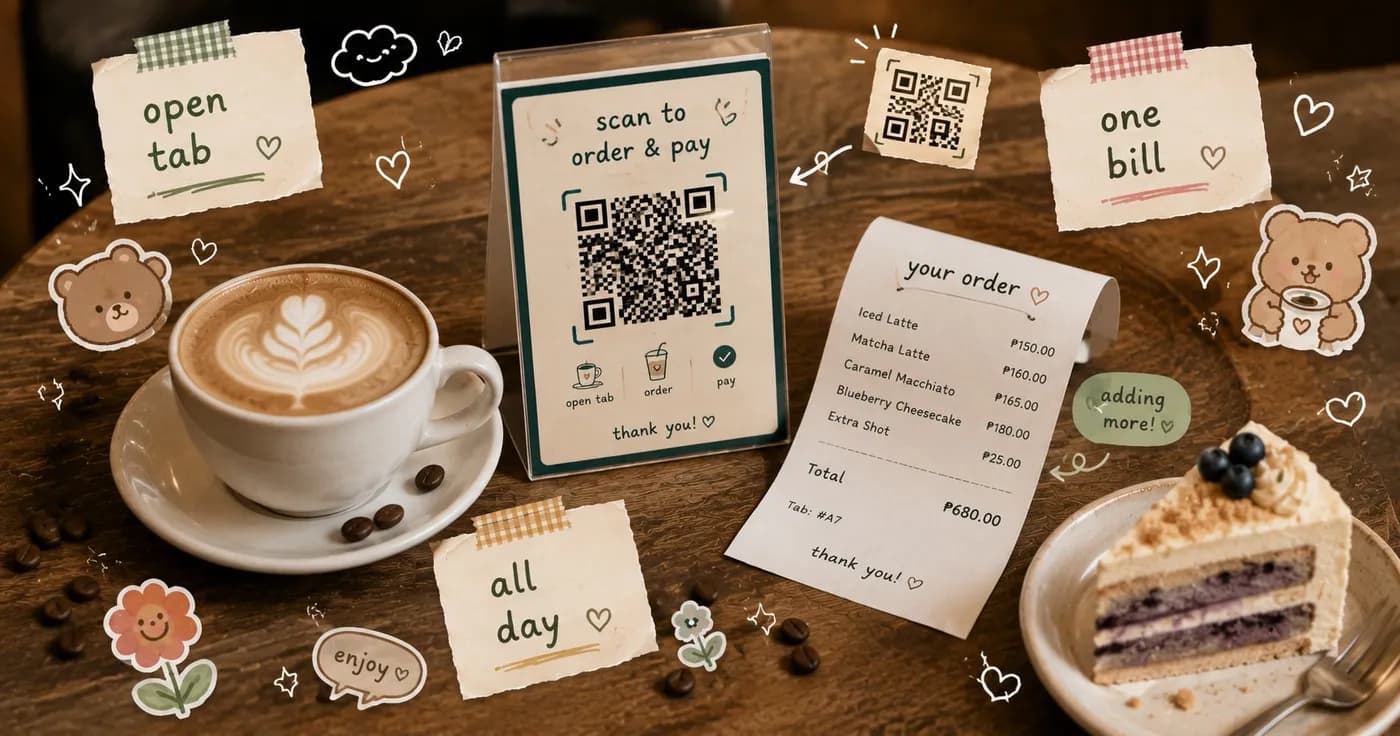
Dine-in tabs, open tabs, and menus that change through the day
This update is all about the floor: the way real cafes seat guests, run tabs, change their menu through the day, and hand a shared tablet from one shift to the next. If you run dine-in service, take care of regulars, or just want less friction at the counter, there is something here for you. Everything below is live now.
Dine-in table tabs
Table service finally works the way your floor actually runs. Diners scan the QR at their table, open a tab, and keep ordering round after round without settling every time. When they are ready to leave, everything comes together into one bill they pay at the end.
- One tab per table, built up order by order across the whole visit.
- Guests add another round themselves, no need to flag down a server for every item.
- Your floor staff see every open table at a glance and settle each one when the group is done.
Open tabs for your regulars
For the customers you know and trust, you can run an open cash tab and record the payment when they settle up. The order stays a proper tracked receivable in the meantime, so nothing slips through the cracks and the honest running total is always there when you need it.
- Let trusted regulars order now and pay later.
- Every open tab stays visible and accounted for until it is settled.
- Record the payment in one step when they close out.
Menus that change through the day
Serve breakfast in the morning and your full menu later, without anyone remembering to flip a switch. You can schedule when each category is available, and the menu changes over on its own at the times you set.
- Set the hours each menu category is offered.
- Breakfast, lunch, and all-day items appear and hide automatically.
- Fewer wrong orders and fewer awkward we-stopped-serving-that moments.
Faster shared-tablet shift changes
If a few people share one tablet on the floor, switching between them is now quick and clean. Team members change accounts with a PIN, and clock-in and clock-out happen automatically as they sign in and switch. The right person is on the right order, and your time records stay tidy.
- Switch accounts on a shared tablet with a quick PIN.
- Clock-in and clock-out happen automatically on sign-in and switch.
- Cleaner attribution on every order and less manual time tracking.
Get found on Google, and get customers to your door
New helpers make it easier for people to find you and reach you. A step-by-step guide walks you through claiming and filling out your Google Business Profile, and customers get a one-tap Get Directions button that opens the route straight to your cafe.
- A guided helper to claim and complete your Google listing.
- A one-tap Get Directions button for customers.
- More visibility in local search and an easier trip to your door.
All of these are ready to use today. If you want to see how they fit your cafe, take a look at Nom for business or compare what is included on each plan over on pricing.
Share this article