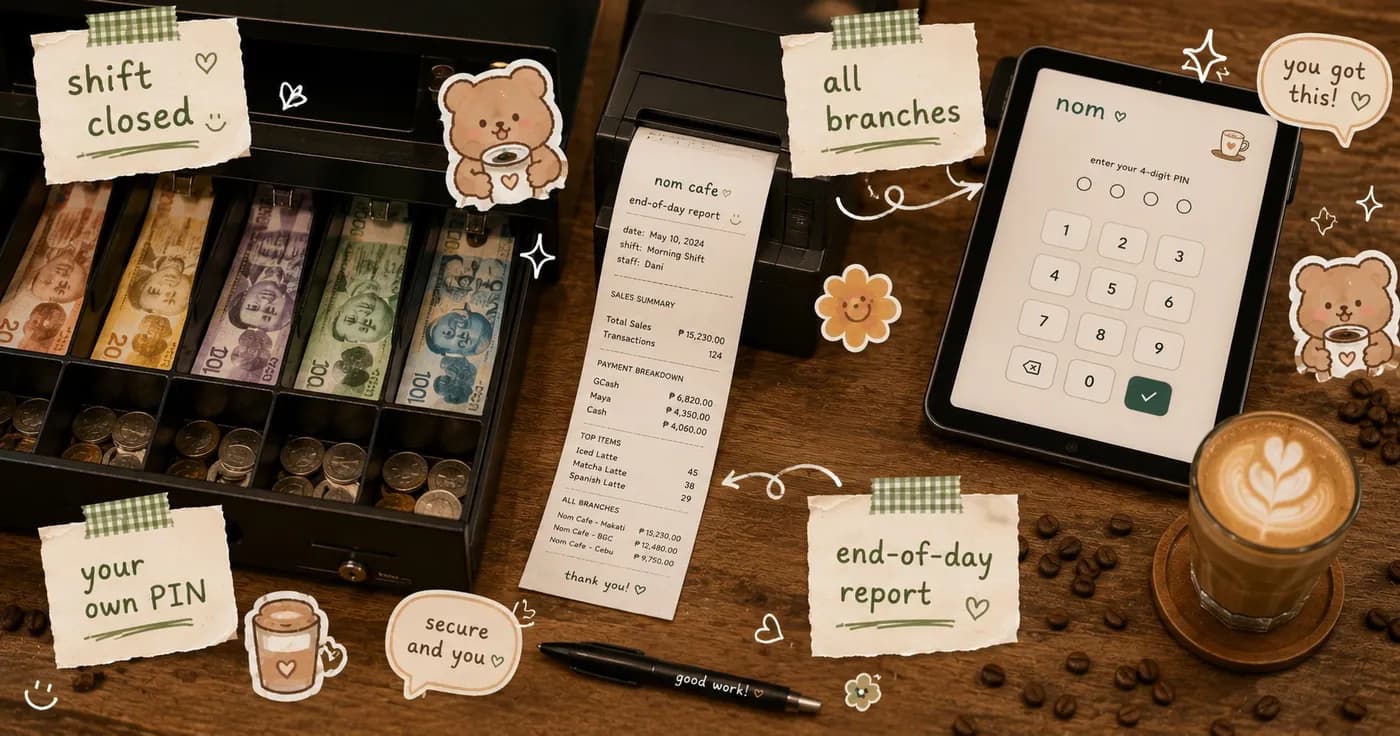
What's new: cash shifts, cashier PINs, and an all-branches staff view
What's New for Your Cafe: Cash Shifts, Cashier PINs, and All-Branch Staff View
Running a busy cafe or restaurant means trusting your team while still keeping a clear eye on the till. This update to your business dashboard is all about that peace of mind. We've added three things that owners ask us for the most: a clean way to close out the cash drawer at the end of the day, personal PINs so every void and discount has a name on it, and a single screen where multi-branch owners can see how every team is doing. No more guessing, no more late-night spreadsheet math. Here's what's new.
Cash Shifts With an Automatic End-of-Day Report
Start a shift, count your opening drawer, and let the dashboard do the rest. When it's time to close, you get an instant report that compares what should be in the drawer against what's actually there.
- Open and close a cash shift in a few taps, with a recorded starting and ending count.
- Get an automatic end-of-day summary that tallies every cash sale for that shift, so you never have to add it up by hand.
- The report flags any difference between expected and counted cash, so a short or over drawer is caught the same day, not a week later.
- Keep a clear history of every shift, so you always know who closed the drawer and what the numbers were.
- Spot small leaks early, settle disputes calmly, and walk home knowing your cash is accounted for.
Cashier Accounts, Each With Their Own PIN
Give every cashier their own account and a personal PIN. Now the sensitive actions on the floor, like voids and discounts, are tied to the person who made them, not to one shared login everyone uses.
- Each cashier gets a personal PIN, so the right person is always behind the counter actions.
- Voids and discounts are linked to whoever entered them, giving you a clear, honest record.
- No more shared password na alam ng lahat, which makes it easier to trust the till and protect your honest staff.
- When something looks off, you can see exactly who did what and ask the right question instead of suspecting the whole team.
- Onboarding a new cashier is simple: add their account, set a PIN, and they're ready for the next shift.
An All-Branches Staff Performance View
For owners with more than one location, jumping between branches just to check on your teams is a chore. This new view brings every branch together on one screen so you can compare at a glance.
- See your staff's performance across all your branches in one place, without logging in and out of each location.
- Compare how teams are doing side by side, so your strongest people and busiest counters are easy to spot.
- Notice which branch needs a little more support before small issues grow into big ones.
- Recognize your top performers with real numbers behind it, which goes a long way in keeping good people happy.
- Make staffing and scheduling calls based on what's really happening on the floor, not on a hunch.
These three updates are live in your dashboard now, ready the next time you open the till. Whether you run one cozy cafe or a growing group of branches, the goal is the same: less worrying about the numbers, more time for your customers and your coffee. Salamat for growing with us, and we can't wait to hear what you think. Curious how it all fits together for your business? Take a look at nom404.com/for-business to see what's possible.
Share this article