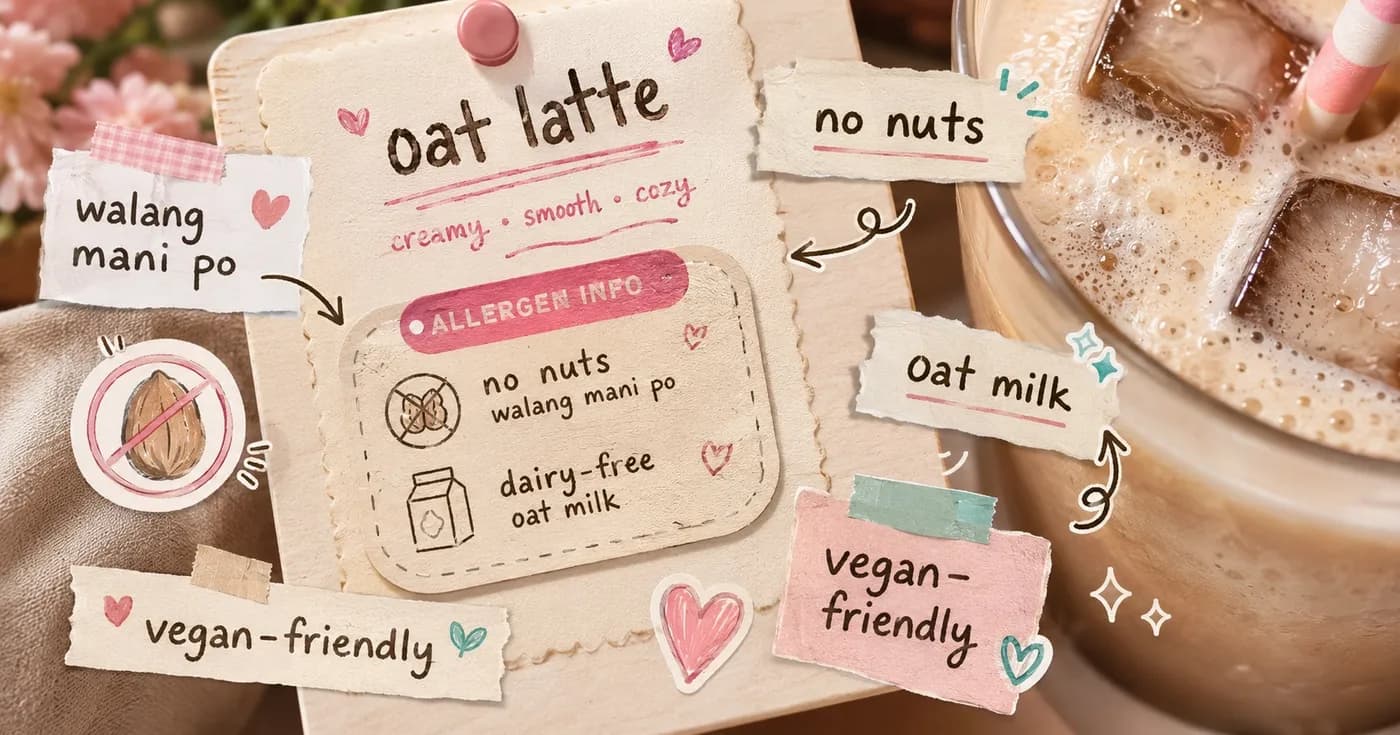
Allergen & Dietary Tags: Cut Kitchen Mistakes at a Busy Cafe
It is the lunch rush. The counter is three-deep, the espresso machine is screaming, and a customer leans in: "Walang mani po, allergic ako." Your cashier nods, scribbles "no nuts" on a sticky note, and the ticket flies to the kitchen. Twenty orders later, that note is buried, the barista who took it is on break, and a pesto-laced sandwich goes out anyway. For most orders a mistake means a remake. For an allergy, it can mean an emergency.
Handling allergens, dietary needs, and special requests is one of the hardest things to get right at a busy Philippine cafe or restaurant counter, precisely because the busiest moments are when verbal notes break down. The fix is not "tell the staff to be more careful." It is to stop relying on memory and handwriting, and let each customer's needs travel with the order in a structured form your kitchen actually sees.
Why scribbled notes and verbal requests fail
A handwritten "no nuts" depends on a chain of fragile things: the cashier hearing it correctly over the noise, writing it legibly, the note staying attached to the right order, and the kitchen reading it before plating. Break any link and the request vanishes silently. Nobody notices until the customer reacts.
It gets worse with combos. "Iced latte, oat milk instead of fresh milk, less sweet, and no whip" is four separate instructions on one drink. Said out loud at peak hour, that is four chances to drop one. And the person who takes the order is rarely the person who makes it, so the context never transfers.
Structured customizations put the request inside the order
The core idea is simple: instead of free-text scribbles, build your common modifications into the menu item itself as structured options. When a customer orders through the QR menu on their own phone, they tap exactly what they want, and those choices ride along with the order to the kitchen, every time, with no retyping.
For a milk tea shop that might be sugar level, ice level, and milk type. For a cafe it might be "make it oat milk," "decaf," or "no whip." For a rice meal it might be "extra rice," "less spicy," or "no onions." Because the options are part of the menu, the kitchen sees a clean, consistent line item, not a guess at someone's handwriting.
There is a quiet bonus here for your numbers, too. When upgrades and add-ons are one tap away, more customers take them. Clear, structured options can lift the average order value without your staff having to upsell over the noise.
Allergen and dietary tags the kitchen can actually see
Customizations handle "what they want." Allergen and dietary tags handle "what they must avoid," and that is the part that protects people. Tag menu items with their dietary information so a customer browsing on their phone can filter for what is safe for them, and so a flagged need surfaces clearly on the kitchen-facing ticket.
Think of the practical wins for a PH cafe:
- Allergy safety. A customer with a dairy or nut allergy can see at a glance which items fit, instead of interrogating a busy cashier.
- Dietary preferences. Vegetarian, vegan, and other needs are visible up front, so a diner is not stuck reading every ingredient out loud at the counter.
- Kitchen clarity. When a special instruction or allergen note is attached to the order, your floor and kitchen staff see exactly what each customer needs on the order itself, not on a sticky note that fell behind the POS.
This matters most when the counter is slammed. The whole point of tagging is that the safety information does not depend on whoever happens to be standing there remembering it.
A quick playbook for your menu
You do not need to tag everything overnight. Start where the risk and the volume are highest.
1. Tag your top sellers first
Cover your most-ordered drinks and dishes with dietary tags and the obvious allergens. Those items move the most, so they carry the most risk and the most upside.
2. Turn your most-asked tweaks into options
Listen for the requests your staff repeat all day. "Oat milk?" "Less sweet?" "No onions?" Each one of those should become a structured option on the item instead of a verbal back-and-forth.
3. Keep an honest "contains" note
For anything with common allergens, be upfront. A customer who trusts your menu's allergen info is a customer who comes back, and brings friends with the same needs.
4. Toggle availability in real time
Out of oat milk? Switch that option off from your dashboard so customers stop ordering it, instead of finding out at pickup. Real-time availability keeps the menu honest during a rush.
Less stress at the counter, safer food on the table
When customizations and allergen tags live inside the order, the busiest part of your day gets calmer. Cashiers stop transcribing complicated requests by ear. The kitchen stops decoding handwriting. Customers with allergies and dietary needs get to choose confidently from their own phone, and the people most likely to be turned away by a confusing menu become regulars instead.
Nom is built for exactly this kind of PH cafe and restaurant counter: QR ordering where diners customize on their own phone, allergen and dietary tags that surface what each person needs, and a kitchen-side view that shows the order plainly. No hardware required, no lock-in, and you can start on the free tier.
See how it fits your shop on the for business page, or compare plans on pricing when you are ready to set up your menu the way your kitchen actually works.
Share this article