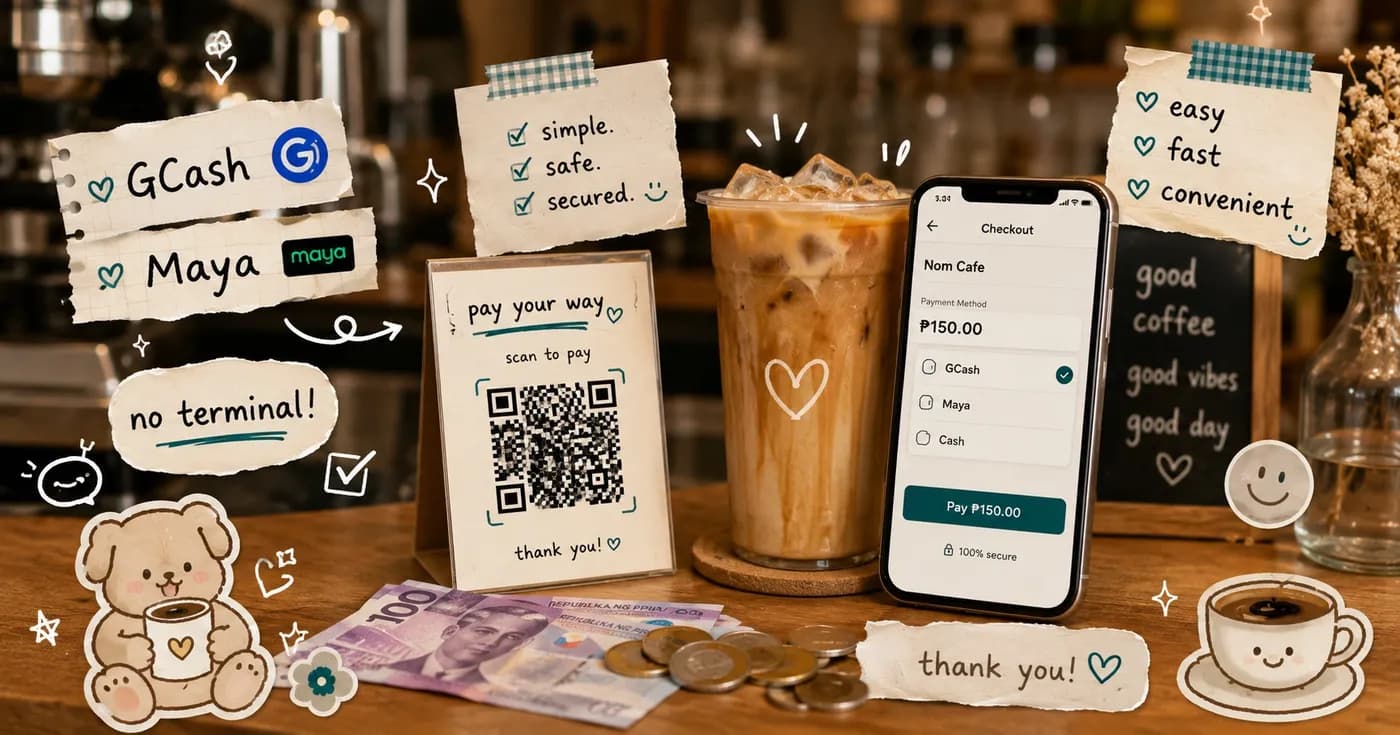
Accept GCash, Maya, QRPH & Cash Without a Card Terminal
Card terminals are a tax on small cafes. You pay for the device, you wait for the bank approval, and you still hand over a cut of every swipe. Meanwhile your customers are already holding the only payment hardware that matters: their phone. In the Philippines, most diners pay with GCash, Maya, QRPH, or plain cash long before they reach for a card.
So the real question is not "how do I get a POS terminal." It is "how do I accept the payments my customers already use, without buying hardware and without losing track of who actually paid." This guide walks through exactly that for a Philippine cafe or restaurant.
Why a card terminal is the wrong first purchase
A dedicated card machine solves a problem most local cafes do not have. Card penetration at the counter is low; e-wallets and QR are where the volume is. When you lead with a terminal, you are paying monthly for a device that handles your least-used payment method, and you still need a separate plan for GCash and cash anyway.
- Upfront and monthly cost for a device you may use a few times a day.
- Per-transaction fees that eat into already-thin coffee margins.
- It does nothing for GCash, Maya, QRPH, or cash, which is most of your real traffic.
A QR-based ordering flow flips this. The customer's phone is the terminal. You add zero hardware to the counter and you cover every payment type your diners actually reach for.
The four ways your customers can pay
With Nom, a customer scans the QR at the table or counter, browses your menu, customizes their order, and lands on a checkout that offers the payment methods that matter in the Philippines:
- GCash — the default for a huge share of PH diners.
- Maya — the same one-tap e-wallet convenience.
- QRPH — the national QR standard, so almost any banking or wallet app can pay.
- Cash — still king for walk-ins; the order is logged digitally even when payment is at the counter.
No customer is ever forced to download an app just to order and pay. The web ordering flow works straight from the QR scan. An app is optional and adds favorites, order history, and loyalty for your regulars.
How payment verification works inside the order
This is the part a card terminal can never give you: payment confirmation lives next to the order itself, not in a separate banking app you have to cross-check by hand.
Here is the default flow. A customer places an order and pays via GCash. They submit their proof of payment as part of checkout. On your live orders board, your staff see that order with its proof attached, tap to verify the payment, and only then does the kitchen start preparing. No more shouting "sino nagbayad?" across the counter, no more matching screenshots to receipts from memory.
For cash orders it is just as tidy: the order is logged the moment the customer submits it, and your staff mark it paid when the money hits the till. Everything sits in one place, tied to the right ticket.
Want it even faster? Auto-verify GCash
On the Pro and Enterprise tiers you can opt into auto-verified GCash through a payment gateway. The payment is confirmed automatically and the order moves to preparing without a staff tap. It is an upgrade, not a requirement. Plenty of cafes run happily on manual proof verification, which costs nothing extra and keeps a human in the loop.
What this looks like on a busy Saturday
Picture a small specialty coffee shop with one barista and one person on the floor. A table of four scans the QR, each orders their own drink with their own customizations, and three pay by GCash while one pays cash.
- The three GCash orders arrive on the board with proof attached. The floor staff verify them in a couple of taps between making drinks.
- The cash order is logged instantly and marked paid when the customer hands over the bills.
- The barista works straight off the board. No paper chits, no guessing which order was already paid.
The same counter setup scales to a restaurant with multiple tables, or to a food stall where the line moves fast and the last thing you want is to manually reconcile e-wallet screenshots at closing time.
Getting started without buying anything
You do not need a terminal, a tablet you do not own, or a contract. The starting kit is a printed QR code and the dashboard you manage from any phone or computer.
- No hardware required. The customer's phone is the payment device.
- No per-order commission on the platform itself.
- No lock-in. Monthly plans you can cancel anytime.
- A free tier to start, then Starter from ₱999/mo as you grow, with Pro and Enterprise above for auto-verify, loyalty, multi-branch, and an HQ control center.
Accepting GCash, Maya, QRPH, and cash should not require a card machine or a cut of every order. Put a QR on your counter, let your customers pay the way they already do, and verify it all from one screen.
Ready to take digital payments without the hardware? See how it works on Nom for Business, or compare plans on the pricing page.
Share this article