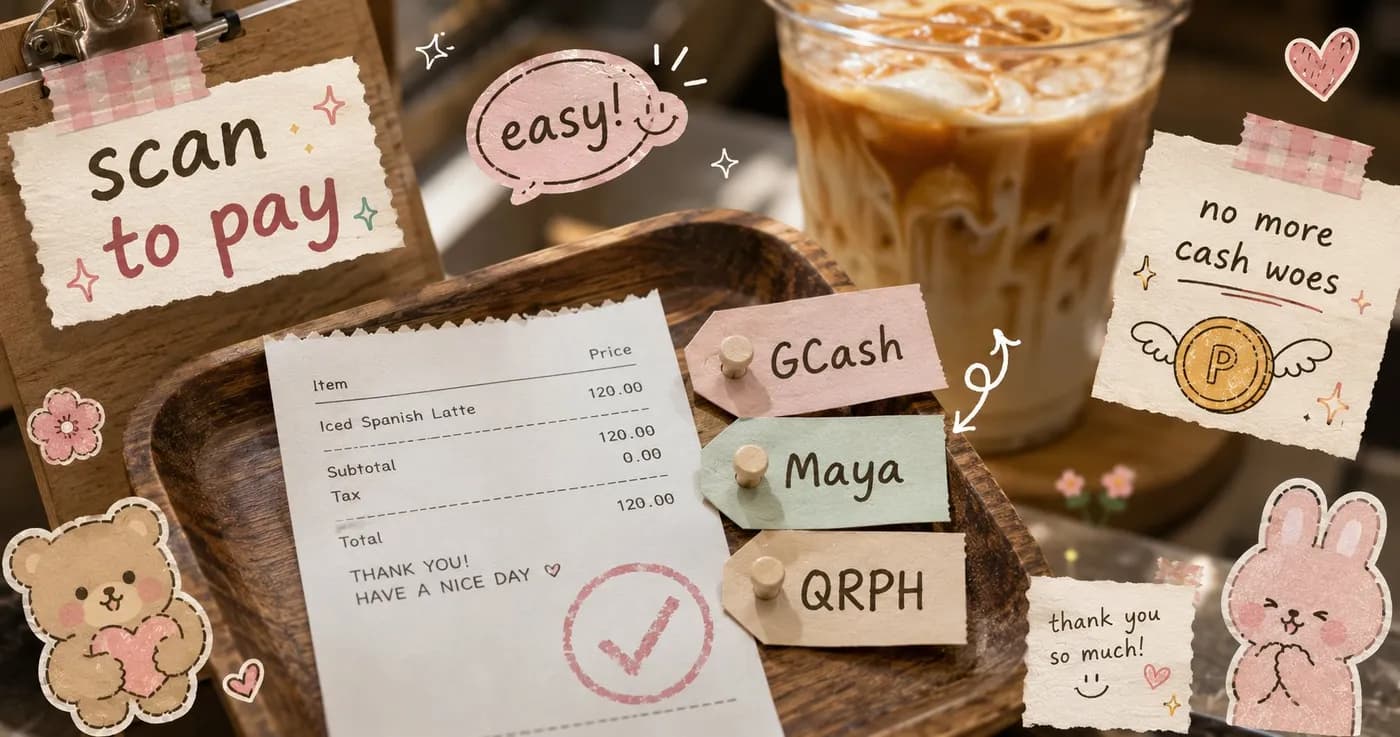
GCash, Maya, or QRPH: Picking Payment Methods for Your Cafe
Walk into almost any Philippine cafe today and you'll see the same little dance at the counter: a customer holds up their phone, the cashier squints at a screenshot, and the line behind them shuffles. Payments shouldn't be the slowest part of buying a kapeng barako. The good news is you don't have to pick just one method, and you don't need expensive hardware to accept the ones your customers already use.
This guide breaks down GCash, Maya, QRPH, and cash for cafe and restaurant owners, so you can decide what to offer and how to keep the line moving.
The four ways your customers want to pay
Filipino diners reach for a mix of payment methods depending on who they are and what they have on hand. Here's the quick read on each:
- GCash is the e-wallet most of your customers already have open on their phone. It's the default tap-and-pay for a lot of younger and office-crowd diners.
- Maya is the other major e-wallet. Plenty of customers keep money in Maya specifically, so accepting it means you're not turning away a paying guest just because they don't use GCash.
- QRPH is the national QR standard. The big advantage: one QR can be scanned by many different banking and wallet apps, not just one brand. It's the closest thing to a universal "scan to pay."
- Cash still matters. Tito and tita customers, walk-ins with no signal, students paying with coins, your barangay regulars. Dropping cash entirely loses real sales.
The honest answer for most cafes: offer all four. The question isn't which one, it's how to accept them without chaos at the register.
The real problem isn't the method, it's verification
Here's where cafes actually lose time. A customer pays via GCash, then shows the cashier a screenshot. Your staff has to eyeball the amount, the reference number, and the timestamp, then decide whether to trust it. During the morning rush, that's the bottleneck, not the brewing.
It gets worse with edited screenshots and "sent to the wrong number" mix-ups. A busy barista isn't a fraud investigator, and they shouldn't have to be.
This is exactly why Nom pairs payment with the order itself. When a customer scans your QR, browses the menu, and pays, the payment is attached to that specific order on your live orders board, so your staff verifies against a real order, not a random screenshot held up across the counter.
Manual proof vs. auto-verified payments
There are two ways to handle confirmation, and the right one depends on your volume.
Manual proof (great for getting started)
The customer pays via GCash, Maya, QRPH, or cash, then uploads or shows proof. Your staff confirms it on the orders board and the kitchen ticket only moves to "preparing" once payment is marked verified. This keeps you fully in control and costs you nothing extra. For a small cafe doing a manageable number of orders a day, this works perfectly well.
Auto-verified GCash (for busier counters)
On Pro and Enterprise plans you can opt into auto-verified GCash through a payment gateway. The customer pays, and the order is confirmed automatically, no screenshot squinting, no manual tap. During a rush, that can save your staff a real chunk of time per order and shrink the line. You can always keep manual proof as a fallback for the days you'd rather verify by hand.
One thing worth saying plainly: there's no commission per order. You're not handing a slice of every cup of coffee to a middleman.
A simple way to decide for your cafe
Don't overthink it. A practical starting setup for most Philippine cafes:
- Turn on GCash, Maya, and QRPH. Together they cover the overwhelming majority of cashless diners. Leaving one off just means occasionally telling a paying customer "sorry, we don't take that."
- Keep cash. It's free to accept and your loyal regulars still use it.
- Start with manual proof if you're small or just launching. It's zero-cost and keeps you in control.
- Upgrade to auto-verify when the verification step becomes your bottleneck, typically when your morning rush starts forming a line at the register.
A neighborhood cafe doing steady weekend traffic might happily run manual proof for months. A milk tea shop slammed every afternoon by the after-school crowd will feel the relief of auto-verify almost immediately. Both are right, for their situation.
What good payment setup actually buys you
When payments are tied to orders and verification is fast, a few things get better at once. Your line moves quicker, so you can serve more customers in the same rush window. Your staff stops playing detective and gets back to making drinks. And because every order carries its payment status, your end-of-day numbers actually add up, which makes your sales reports trustworthy instead of guesswork.
There's also no lock-in to worry about. No required terminal, no hardware to buy, and you can cancel monthly anytime. The whole point is to fit how your cafe already works, not force you to rebuild around a card machine.
Set it up your way
You don't have to choose between GCash, Maya, and QRPH, offer the ones your customers reach for and let your setup handle the rest. Start simple with manual proof, then turn on auto-verify when your counter gets busy enough to need it.
See how Nom puts ordering and payment in one flow on the business page, or compare what's included on each plan over on pricing. There's a free tier to test it with your real menu before you commit a single peso.
Share this article