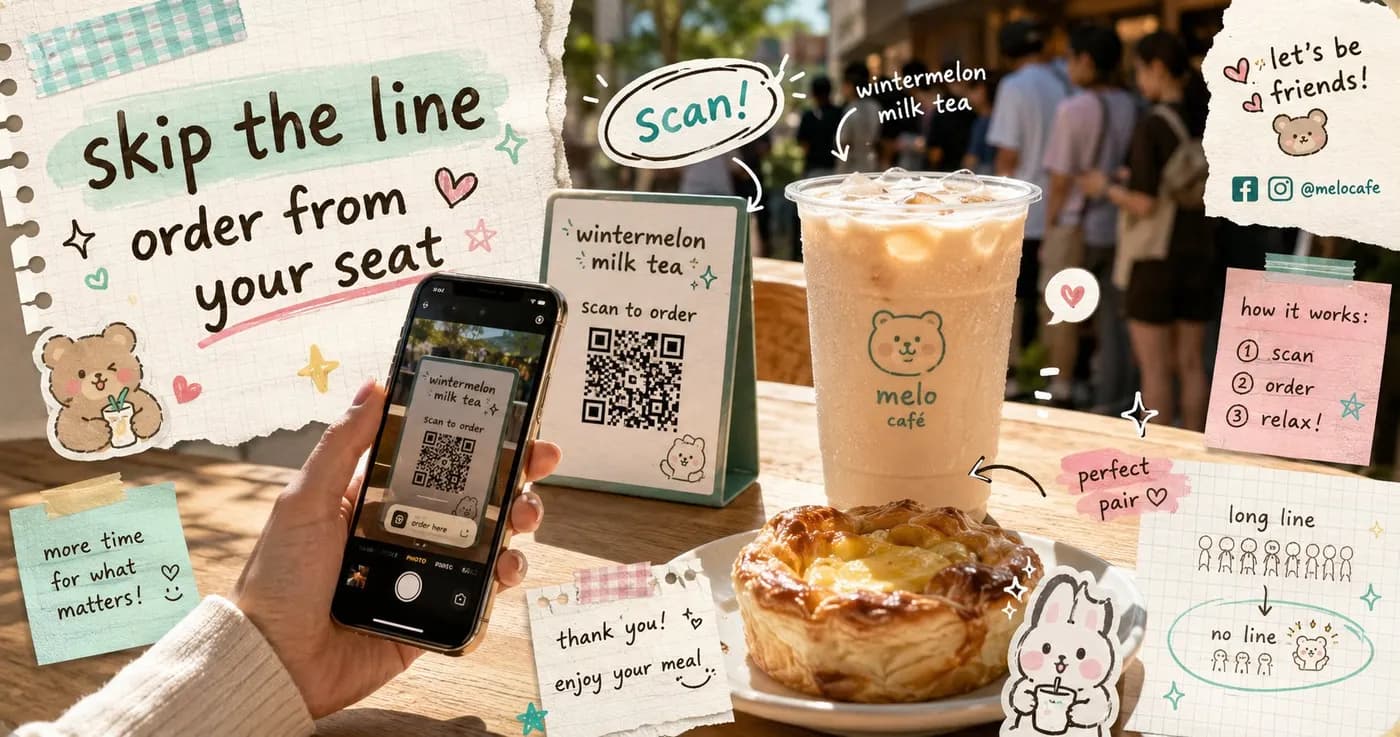
Cut Counter Queues: Scan-to-Order Menus for Rush Hours
Walk into any busy Manila cafe at 12 noon and you'll see the same scene: a line snaking past the counter, one staff member juggling orders and the register, and a few would-be customers glancing at the queue and walking out. Those lost walk-ins are real revenue, and the bottleneck is almost always the same single point: the counter.
Scan-to-order menus take pressure off that counter by moving the ordering step to the customer's own phone. Instead of everyone funneling through one person, each table or each diner in line orders independently. Here's how that actually speeds up your busiest hours.
The counter is your real bottleneck
During a rush, your counter does three jobs at once: explain the menu, take the order, and collect payment. Each of those takes time, and they happen one customer at a time. The kitchen might be fast, but the line still backs up because everything has to pass through that single chokepoint first.
A QR-based ordering flow splits those jobs apart. A diner scans the code at their table or in line, browses your full menu at their own pace, picks their customizations, and places the order, all without occupying your staff. Your team stops being order-takers and goes back to being baristas and cooks.
How scan-to-order changes the rush
The shift is simple but powerful: ordering becomes parallel instead of serial. Five customers can be building their orders at the same moment, rather than waiting in line behind one another.
- No download needed to order. A diner scans the QR and a web flow opens in their phone browser. No app store, no waiting, no friction for first-timers.
- Customers self-serve the menu. Add-ons, milk swaps, sugar level, extra shots, all chosen on-screen. That means fewer back-and-forth questions at the counter and fewer mistakes in the kitchen.
- Orders arrive ready to make. Instead of being scribbled and relayed, each order lands on your live orders board clean and complete, so the kitchen can start right away.
Picture a milk tea shop on a Friday afternoon. Without scan-to-order, the cashier reads out the menu, repeats the order, confirms the sugar level, and rings it up before the next person can even start. With it, three groups are already customizing their wintermelon and brown sugar drinks on their phones while your one staff member focuses purely on sealing cups.
Payment without the second line
The other hidden queue is payment. Even after ordering, customers often wait again to pay. Scan-to-order folds payment into the same flow.
Diners can pay directly with GCash, Maya, QRPH, or cash, whatever suits them. With manual proof, your staff verifies the payment from the orders board in seconds. On Pro and Enterprise plans, you can opt into auto-verified GCash so confirmation happens for you and the kitchen can start sooner. Either way, there's no separate payment line clogging your counter.
Concrete wins for a busy cafe
Once ordering and paying move to the phone, the knock-on effects add up quickly during peak hours:
- Shorter visible lines. A shorter queue means fewer people balk and leave, so you capture walk-in demand you were quietly losing.
- Fewer order errors. Customers type their own customizations, so "I said oat milk" disputes drop and remakes stop eating into your rush.
- Higher average orders. When diners browse at their own pace, they're more likely to add a pastry or upsize, which can lift the value of each ticket without anyone having to push.
- Calmer staff. Your team isn't context-switching between explaining, taking, and charging. They do the thing they're best at: making the food and drinks fast.
Real-time control when it gets hectic
Speed only helps if the menu stays honest. If you sell out of pandesal at 1pm, the last thing you want is five more phone orders for it. With real-time availability toggles, you can switch any item off the moment it runs out, and it disappears from every customer's screen instantly. No awkward refunds, no disappointed diners at the counter.
Your live orders board keeps the whole rush visible in one place, so even with everyone ordering in parallel, nothing slips. Mark orders as preparing, ready, and served, and the floor stays in sync with the kitchen.
Getting started without ripping anything out
You don't need new hardware or a register overhaul to try this. Print a QR for each table or one for the counter line, and your existing payment methods keep working. There's a free tier to test it during your next busy week, with Starter plans from ₱999/mo and no lock-in, so you can cancel monthly anytime if it isn't a fit.
The goal isn't to replace the warm welcome your counter gives. It's to stop the counter from being the one thing every customer has to wait behind. See how Nom works for your cafe or compare plans and put your next lunch rush to the test.
Share this article